Limited-time offer: 80% off for 4 months + free onboarding support with FreshBooks.* Buy now & save
80% off for 4 months + free onboarding support*. Buy now & save


Never miss a trip with our automated mileage tracker app

No credit card required.
Cancel anytime.
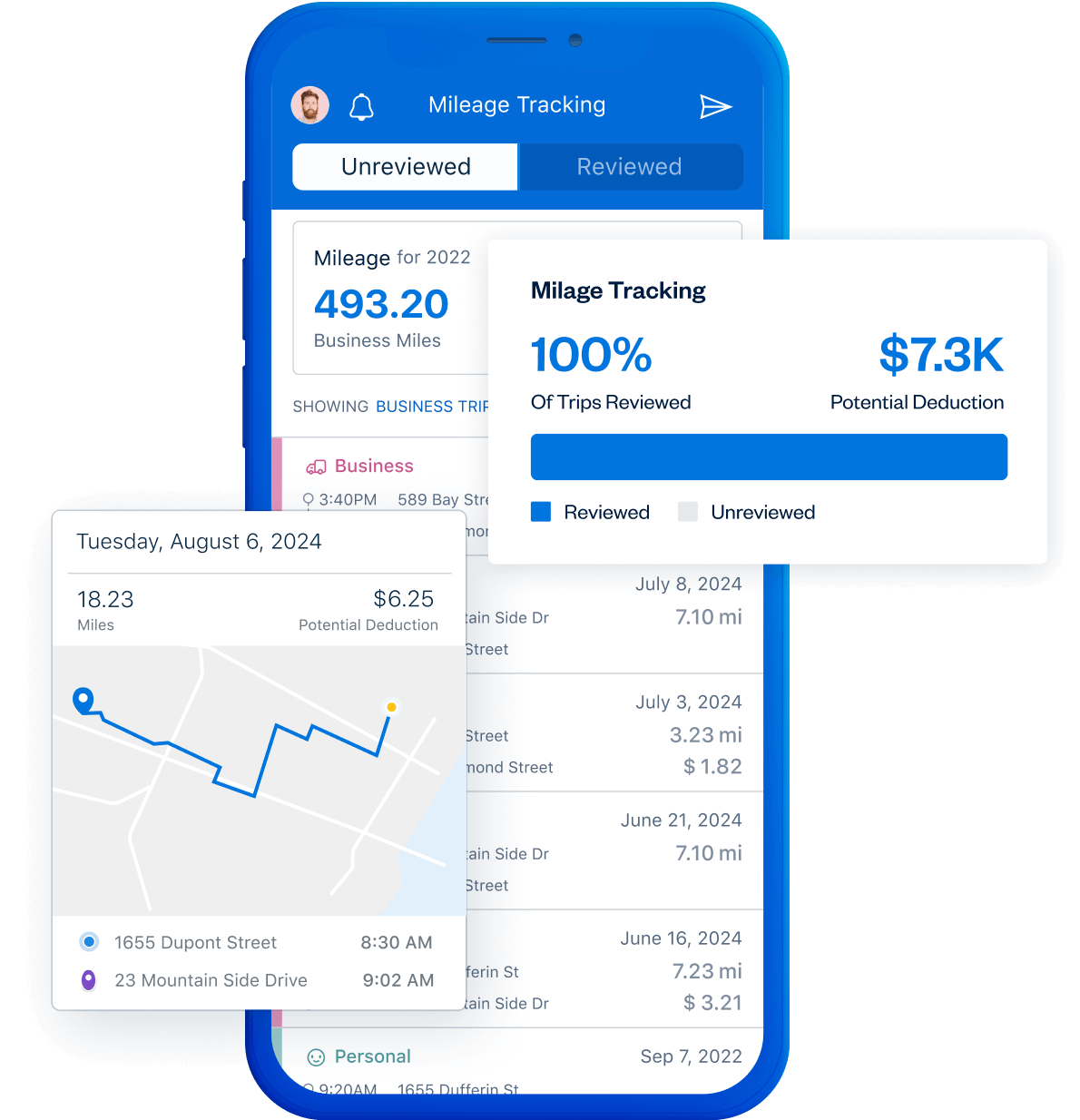




Log trips as you drive, hands-free
Every time your car moves in the name of business, you can track mileage and claim that expense at tax time. FreshBooks Mileage Tracking automatically allows you to capture each trip and saves your travel history.

More organized while on the road
Stay tax compliant and get your best return
More organized while on the road
Stay tax compliant and get your best return



More organized while on the road
Stay tax compliant and get your best return
Do even more with Mileage Tracking


Edit and adjust trip details
Manually edit trips in case of any discrepancy.
Easy on/off toggle
Easily turn Mileage Tracking on and off at any time.
Local rates in-app
Check mileage allowance rates for your country.
Easily find logged trips
Sort and filter all trips by date range.
Frequently Asked Questions
It’s easy! To start tracking your trips, first ensure you've turned on the Mileage Tracking toggle in-app. (Just remember, turning off this toggle disables the feature.) Once that's ready, for iOS users, you can manually start a trip in the app before you drive and end it when you arrive. For Android users, the mileage tracker will automatically log all your trips.
Alternatively, if you forget to track it in real-time, you can easily log a trip later by adding the details after the trip has been completed.
Ready to start? Here’s a step-by-step guide on how to set up Mileage Tracking in the app for iOS and Android users.
You can either send the report to your email address directly from the mobile app or download the report from the Reports section on FreshBooks desktop.
You can generate a mileage tracking report from the app as a CSV file by tapping the More... button at the bottom right, then selecting Mileage Tracking, finally tapping the paper plane icon. From here, you can select YTD and send a copy of the file to the email associated with your FreshBooks account. It's essentially a mileage expense report.
Zero! The Mileage Tracker app is a free feature that is included in all our plans, even during the trial period. When it comes to business expenses, business mileage is essential for lowering your taxable income at tax time. Mileage trackers like the FreshBooks mileage tracking app ensure you have a record of all business mileage.
Whether you're self-employed or not, we think this is the best mileage tracker out there. Everyone from real estate agents to rideshare drivers to home services providers uses it to track mileage and create mileage reports. Keeping daily mileage logs on paper can get messy. Mileage tracking apps like FreshBooks Mileage Tracker let you swipe left and right to sort logged trips as business or personal; it's that easy. You'll never miss out on tracking mileage or business deductions for work purposes again.
Note: Mileage Tracking is available for users in Canada, the United States, and the United Kingdom.
The FreshBooks mileage tracker app accurately records all distances driven for business, including trips for purchasing supplies or meeting with clients. The mileage is logged so that it can be submitted with your tax return for a tax deduction or reimbursement as a business expense. You can enable mileage tracking in the app by turning on the Mileage Tracking toggle. Once you complete a trip, it appears in your Unreviewed Trips tab, allowing you to easily mark it as a personal or business trip for accurate reporting.
All FreshBooks features